

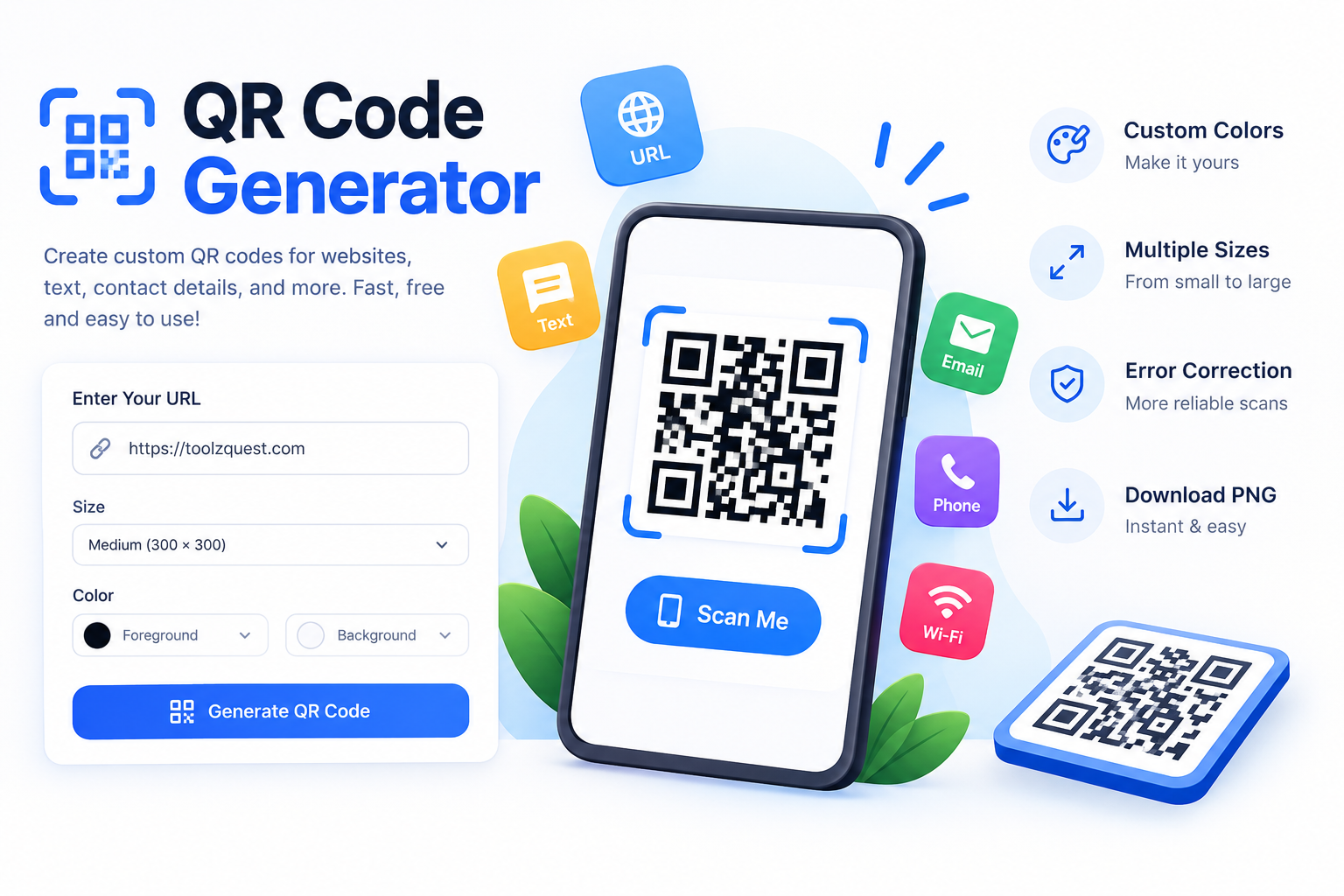

QR Code Generator
Create custom QR codes for websites, text, contact details, and more. Customize your colors, choose a size, and download your QR code as a PNG. Free to use, with no registration required.
Enter the full website address, including https:// when applicable.
Include the country code when needed.
Anyone who scans this code may be able to access your Wi-Fi.
Higher correction can help with damage, but increases code density.
Your QR Code Is Ready!
Scan the code with a phone camera to test it before downloading.
For best results, print with sufficient contrast and keep a clear white or light-colored margin around the QR code.
About QR Code Generator
The Toolz Quest QR Code Generator is a simple online tool that converts information into a scannable Quick Response (QR) code. You can create codes for websites, plain text, email addresses, phone numbers, and Wi-Fi network details in just a few clicks.
Customize the size, foreground color, background color, and error correction level to create a QR code that suits your needs. Once generated, download the result as a PNG image for use on websites, business cards, posters, product packaging, menus, and promotional materials.
How to Use This QR Code Generator
- Select the type of information you want to encode.
- Enter your website URL, text, email, phone number, or Wi-Fi details.
- Choose your preferred QR code size and error correction level.
- Customize the QR code and background colors.
- Click Generate QR Code to create your code.
- Scan the preview to check it, then click Download PNG.
Key Features
- Free QR code generation without account registration.
- Supports website links, text, email, telephone, and Wi-Fi data.
- Customizable QR code colors and image sizes.
- Multiple error correction levels.
- PNG image downloads for digital and print use.
- Responsive interface for mobile, tablet, and desktop devices.
- QR code generation performed in your browser.
What Is a QR Code?
A QR code is a two-dimensional barcode that stores information in a pattern of dark and light squares. Compatible smartphones and QR scanning applications can read the pattern to open a website, display text, prepare an email, dial a phone number, or connect to a wireless network, depending on the encoded information and the device.
Are These QR Codes Permanent?
The QR codes generated here are static: they contain the information you enter when creating them. The code itself does not expire, but the destination website, phone number, or other encoded information may change or stop working. You generally cannot change the encoded information without generating a new QR code.